The Five Best Revision Management Tools
Effective task revision management allows us to increase the efficiency and productivity of our team and ourselves. Simply implementing specific solutions makes it easier to complete our tasks and saves us time. There are many task review management tools available on the market. They can make our work easier and help us organize it better. However, choosing the right program is often a challenge. It’s a good idea to start by analyzing the processes in your company and considering how to streamline them if necessary. In the list below, you’ll learn about the five best task review programs, their features, and the differences between them. I think this article will help you choose a tool that will streamline your daily work.
1. Flowgres
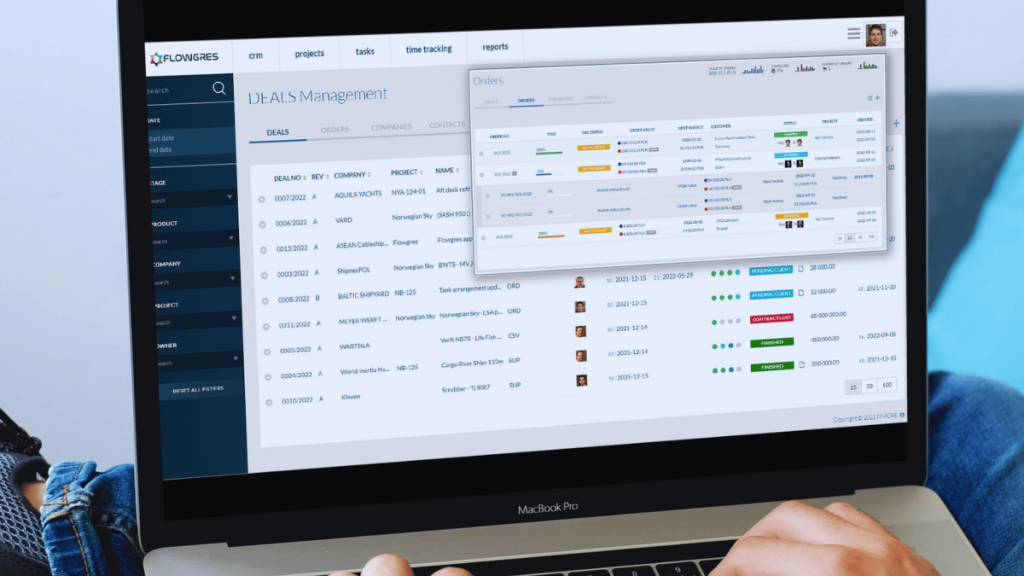
The system is both comprehensive and intuitive. If you want your client to stay informed about the project’s progress, you can let them log in to Flowgres and view selected areas. You’ll quickly learn how to use it to its full potential. With its help, you can create project schedules, track progress, and organize collaboration. With Flowgres, you can manage resources, communicate with your team and clients, add attachments, and receive real-time notifications.
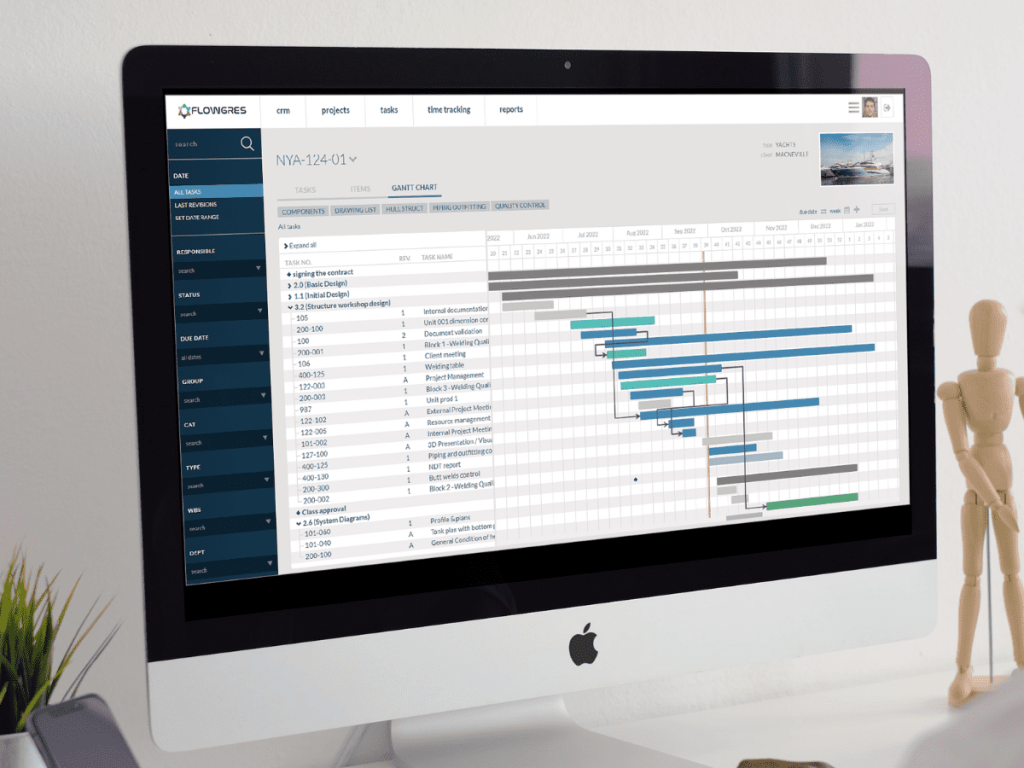
The system is both comprehensive and intuitive. If you want your client to stay informed about the project’s progress, you can let them log in to Flowgres and view selected areas. You’ll quickly learn how to use it to its full potential. With its help, you can create project schedules, track progress, and organize collaboration. With Flowgres, you can manage resources, communicate with your team and clients, add attachments, and receive real-time notifications.
The platform's capabilities include:
- Intuitive project management, regardless of the methodology used,
- Management of all project documentation, including document revisions,
- Resource and schedule planning,
- Assigning and delegating responsibility for tasks,
- A secure work environment through the assignment of permissions to user groups,
- Monitoring the status of tasks and their deadlines,
- Effective communication and information sharing within the project,
- Managing customer communication in tasks,
- Integration with external systems.
To learn more about Flowgres, schedule a free, personalized demonstration of the tool’s capabilities.
2. Easy Redmine
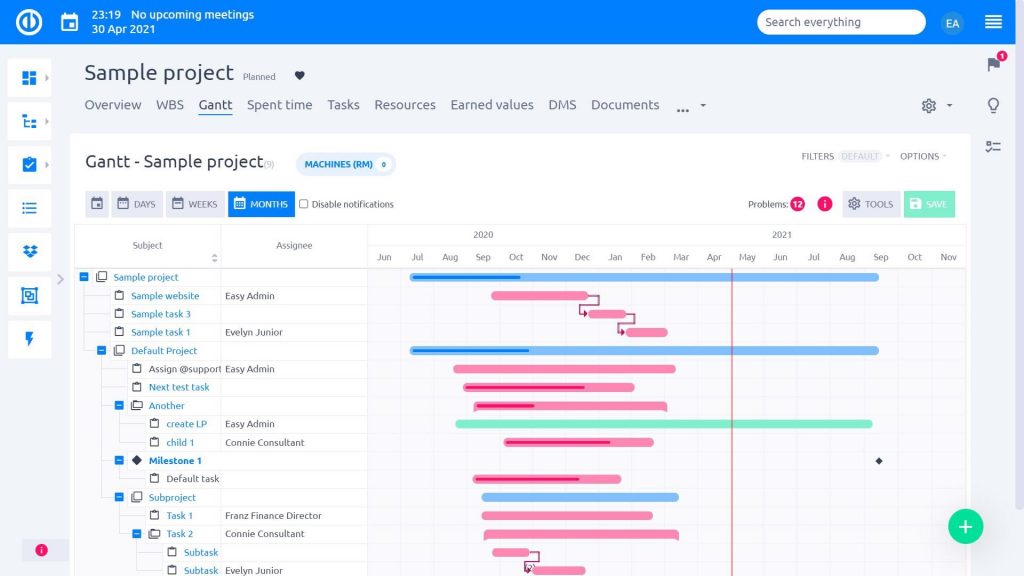
Easy Redmine is an enhanced version of Redmine developed by EasySoftware. The combination of a new project view with most of the desired plugins and features will make managing task versions more enjoyable, improve team communication and user convenience, and save you time. It is also extensible with plugins for Assets, Agile, Finance, CRM, Help Desk, and, most recently, DevOps.
Key features:
- Easy to set up.
- Predefined roles and dashboards.
- Fully customizable.
- Dashboards, advanced settings, and templates can be customized.
- Fast and secure.
- Global cloud and server solutions deliver the best performance.
- Integration capabilities.
- Improved API, XML, and XLSx import capabilities, as well as Zapier, facilitate extensive integration with external systems.
3. Trello
Trello is a well-known and popular task management tool used around the world. It makes it easy to manage the tasks you’re currently working on. In Trello, you can categorize all your tasks, which greatly improves organization and efficiency. If you’re looking for specific tasks, you know exactly where to go. With Trello’s advanced checklists, you can add more context to tasks by assigning team members and deadlines to checklist items, thereby increasing visibility and ensuring accountability within the team.
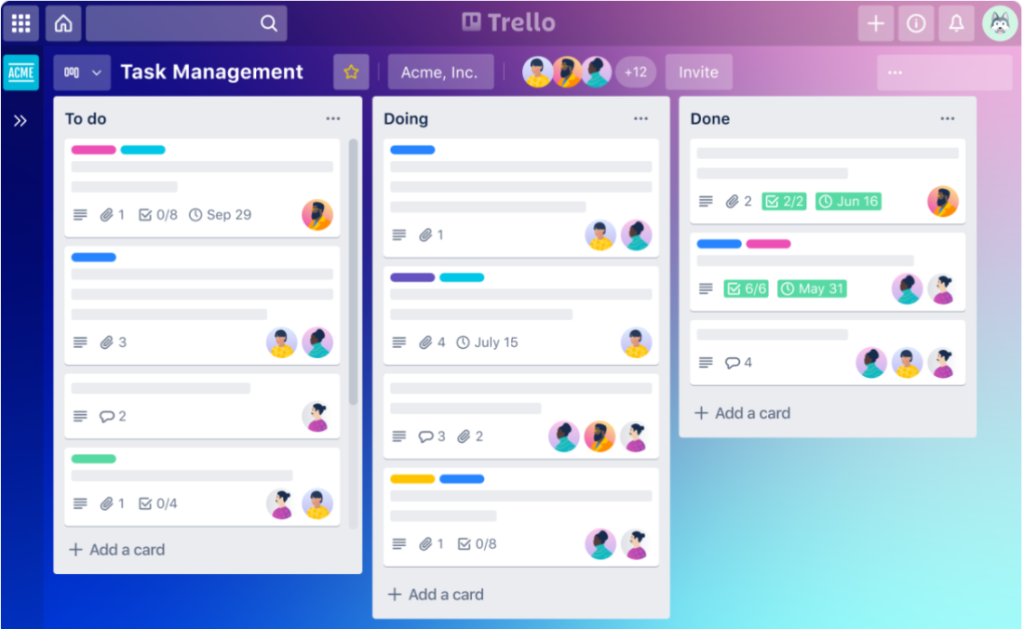
Use labels to indicate which tasks have high, medium, or low priority, and add a layer of shared understanding about the tasks. You can filter tasks by a specific label to see only the cards associated with it.
In the calendar view, you can view checklist items and cards with due dates, so you can see which tasks need to be completed in the coming days and weeks. The cards are organized by due dates and display any labels, members, and checklists added to them.
4. Asana
Asana is an advanced task management application. It works well for both hobby-based team projects, such as running a vlog, and for work-related tasks. It stands out for its extremely intuitive interface and user-friendly design. Asana offers both a paid and a free version, but it is primarily used as a business solution.
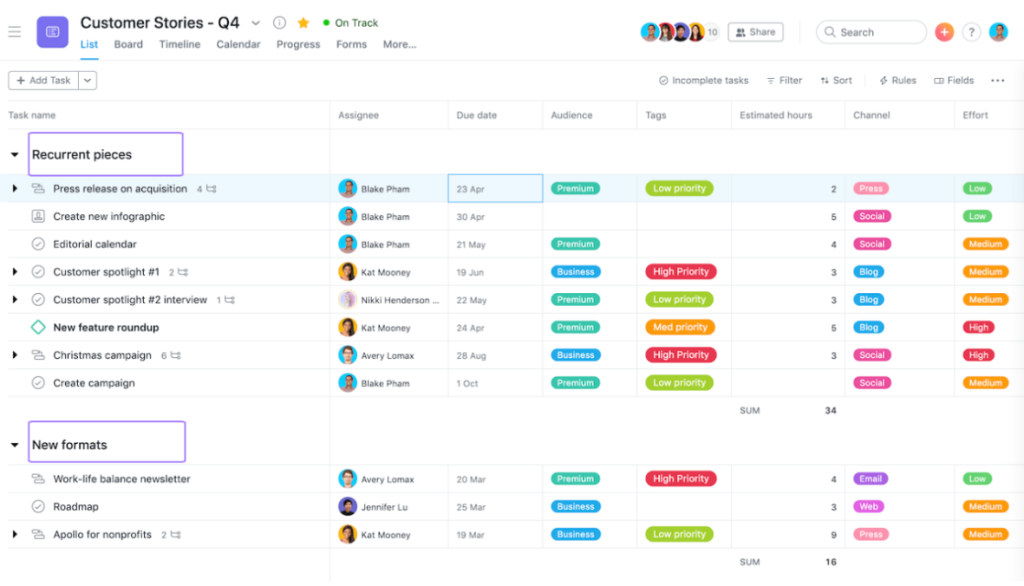
Asana's main features:
- Switching between multiple workspaces, each of which can contain different projects. This makes it easier to separate, for example, marketing projects from IT projects.
- Public and private projects.
- A Kanban board with functionality similar to Trello.
- A list of tasks for each project.
- Checklists for elements in tasks.
- Subtasks.
- Calendar view.
- Creating a project timeline.
5. Monday.com
Monday.com is a convenient and very popular task management tool. It helps organize tasks within a team and verify that these tasks are being completed properly. All company communication can be stored in one place, eliminating the need for emails and saving time. With Monday.com, you can keep all project information in one place. Tracking progress and viewing results on a timeline further streamlines work on all projects.
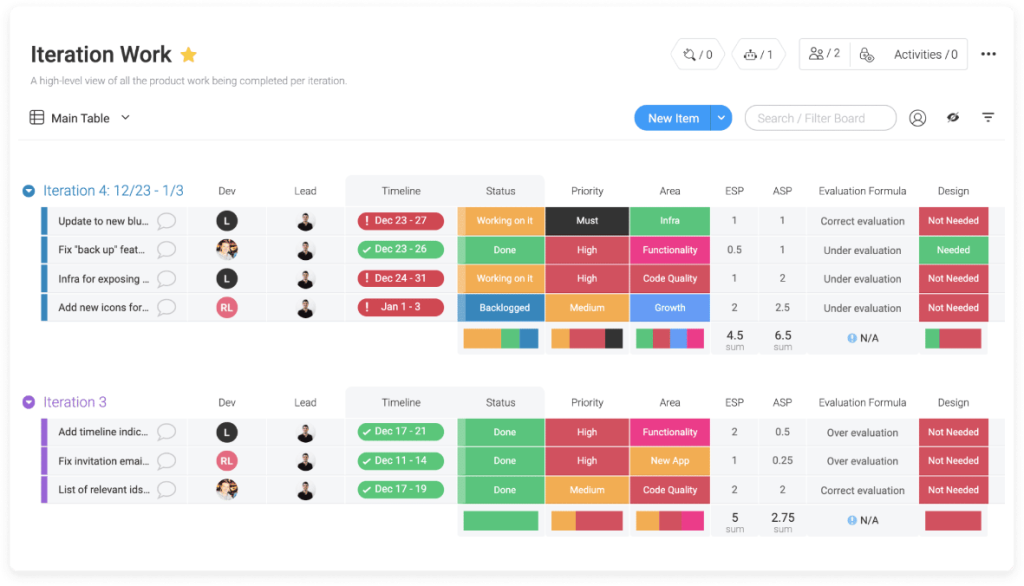
Key features:
- The ability to create workflows,
- Over 200 ready-made templates based on the work of real teams,
- The ability to delegate tasks,
- Reviewing the group tree and checking delegated tasks
- The ability to create a schedule,
- Organizing work across different teams and on various projects.
Summary
In our article, we’ve presented a subjective list of the five best task version control programs. Each has its own advantages that you can use to suit your needs, but it’s up to you to decide which tool works best for you.
Learn more about the Flowgres system and how it can help you streamline your daily work. Click here to try the platform’s free trial: https://flowgres.pl/free-trial/!

