
Managing documents in the new "Files" tab
Use case
This feature completely eliminates the tedious, time-consuming process of searching individual tasks for the attachments you need, significantly speeding up everyday work with company documentation. By bringing scattered files together in a single, clearly organised repository, it gives users instant access to key materials and greater convenience when managing team knowledge. It delivers measurable time savings and provides full control over the flow of documents within ongoing projects and across the organisation.
Description
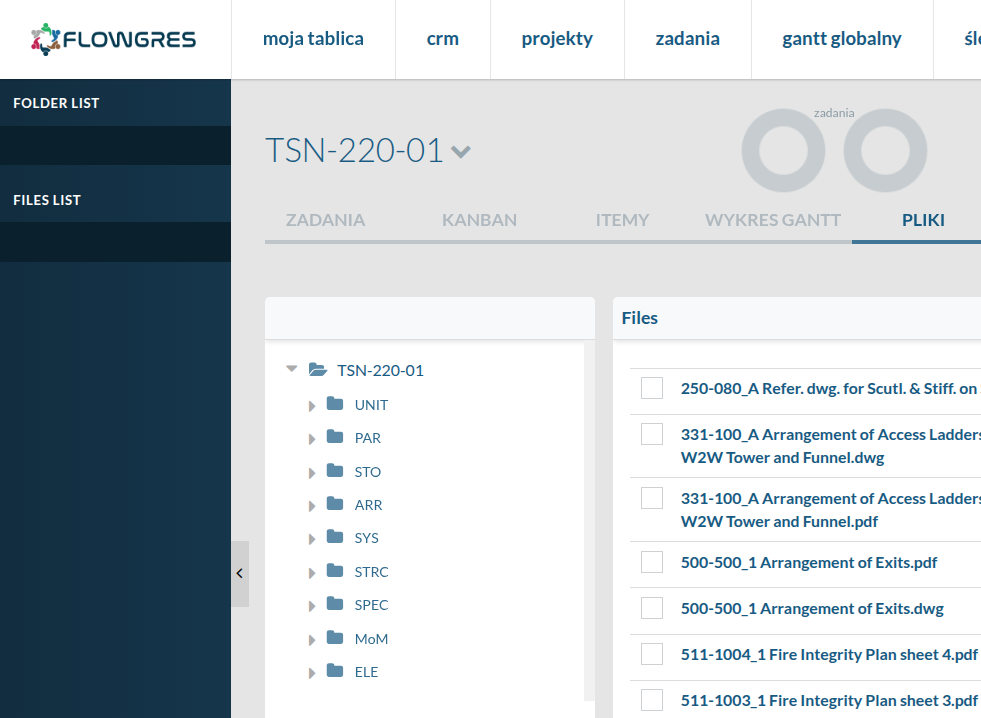
The projects view now includes a new dedicated tab called Files. Opening it gives users access to an advanced document repository that automatically collects and catalogues all materials uploaded to tasks within the project.
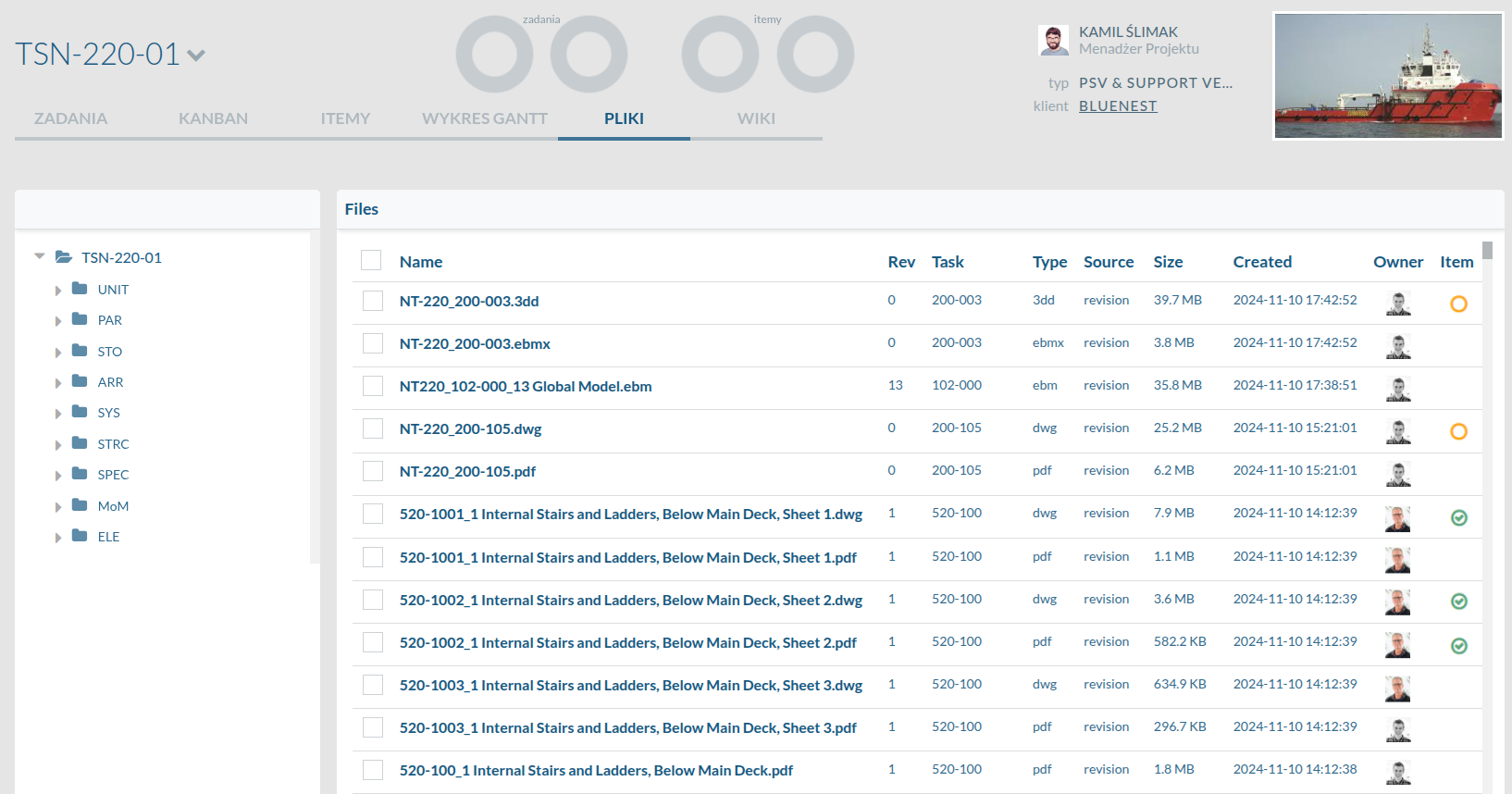
The interface includes a convenient search tool for finding folders (tasks) and individual files.
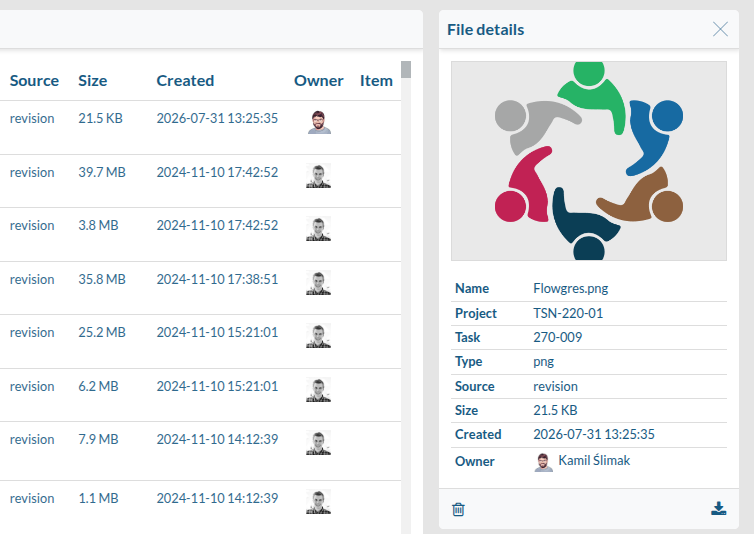
Clicking a file opens a window with its details and a preview, if the file type supports it.
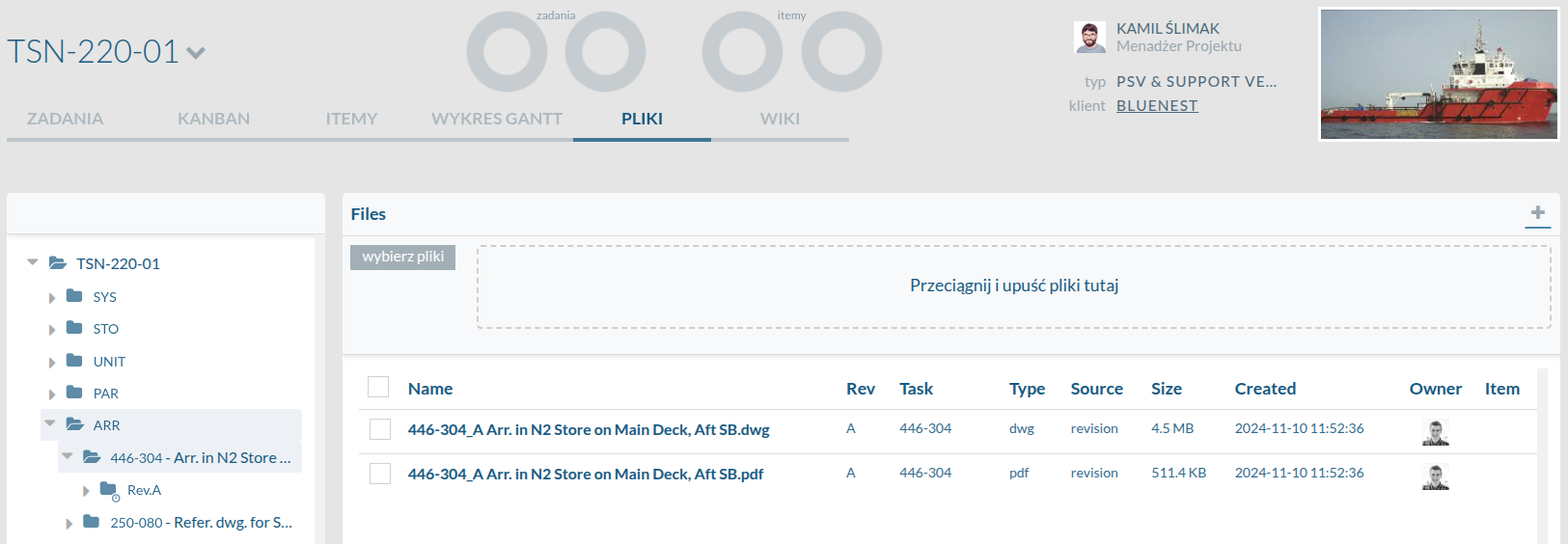
This tab makes it easy to browse and download documents, as well as add new ones. Simply select a task, click +, and drag a file from your computer.
Access to this tab is strictly governed by the permissions assigned to the user’s role in the project.
Explore other new features
Want to see this feature in action?
Book a free 30-minute demo and discover how the new version of Flowgres can improve your team’s workflow.
Book a demo →
